


Most software review sites answer the wrong question. They compare features against other software in the same category. But the firms reading this guide aren't looking for a generic financial tool. They're running FP&A advisory practices, managing multiple client relationships, and trying to figure out which platform will let them deliver better analysis at a higher margin without adding headcount.
That's a different question. And it requires a different evaluation framework.
This guide is written for fractional CFO practices and FP&A advisory firms that are already doing meaningful financial modeling work and evaluating whether a dedicated platform makes sense. If you're still determining whether advisory services are the right direction for your firm, The Complete Guide to FP&A Advisory for Accounting Firms is a useful starting point. If you're ready to evaluate platforms, read on.
What Separates FP&A Software from Accounting Software
The distinction matters more than most evaluation frameworks acknowledge.
Accounting software (QuickBooks, Xero, NetSuite) is optimized for recording what happened. It captures transactions, produces financial statements, and ensures books are clean. It's essential infrastructure. It is not, however, designed to answer questions like: What happens to gross margin if we hire two more engineers next quarter? What's our cash position under three different revenue scenarios? At what client count does this firm's model break?
FP&A software is designed to answer those questions. The difference isn't cosmetic; the underlying architecture is different. Accounting systems are transaction-ledger databases. FP&A platforms are driver-based modeling environments where outputs are calculated dynamically from a connected set of business assumptions.
Firms that use accounting software exports as their FP&A environment are essentially rebuilding a modeling tool every month in a medium that wasn't built to be one. Why Excel becomes a ceiling for advisory firms at scale has less to do with spreadsheet skill and more to do with the architecture: Excel wasn't designed to maintain a live, driver-connected model across twenty client engagements.
The Reporting vs. Modeling Distinction
Within the FP&A software category itself, there's a critical split that most buyers don't notice until they're already committed to a platform.
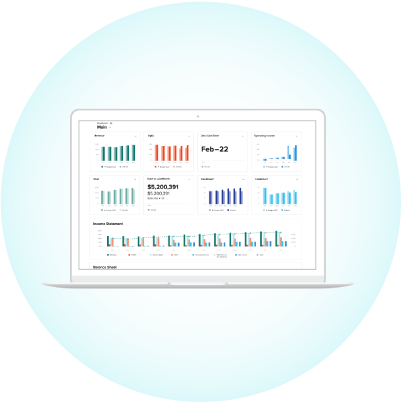
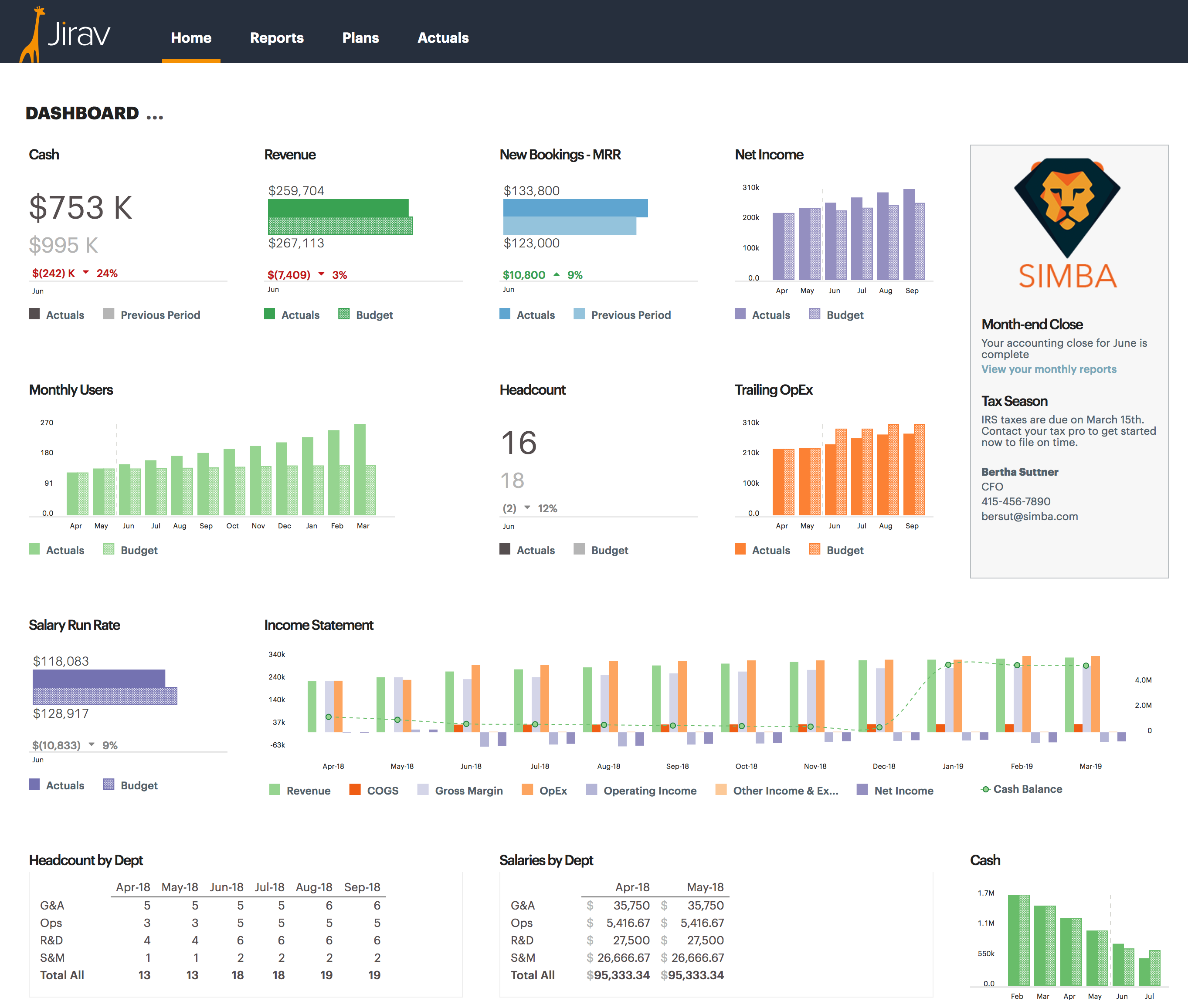
Reporting tools connect to your accounting system and produce cleaner, more visual versions of the data that's already there. They're excellent at dashboards, automated variance reports, and client-facing financial summaries. If your primary deliverable is a better-formatted version of actuals, a reporting tool will serve you well.
Modeling tools start from a different place. Instead of pulling historical data and presenting it, they build a financial model: a connected set of business drivers that project forward, test scenarios, and quantify the impact of decisions before those decisions are made. The output isn't a cleaner view of the past. It's an answer to a forward-looking question.
Most advisory firms need both. The question is whether you're evaluating a tool that does reporting with some modeling features added on, or a platform built from the ground up around the modeling use case. The reporting vs. modeling distinction in practice is covered in depth in the Jirav vs. Fathom comparison, which shows how a reporting-first and a modeling-first tool serve fundamentally different advisory workflows.
Five Questions to Drive Your Evaluation
1. Is the forecasting model driver-based or formula-based?
Driver-based models connect outputs to underlying business assumptions. Revenue isn't a number you type; it's calculated from inputs: average contract value, new logos closed, retention rate, for example. When a client assumption changes, the entire model updates. Formula-based models in spreadsheet environments require manual updates across linked cells, introducing error risk and maintenance overhead with every refresh.
Platforms built on driver-based architecture let you build a model once and update it by changing inputs, not by rebuilding formulas. For advisory firms managing multiple clients, this distinction has direct implications for how many clients an advisor can realistically support.
2. How does the platform handle multi-client management?
This is the operational question that separates tools built for single-entity use from those built for advisory firm workflows. Can you manage multiple client entities from one environment? Can you standardize model templates and deploy them across engagements? Can you control what each client sees versus what remains internal?
Firms that answer these questions with workarounds rather than native functionality will hit friction at scale.
3. What's the integration depth with your clients' accounting systems?
Actuals need to flow into the model without requiring manual export-import cycles, but automatic nightly syncs. It determines how much of your team's time goes toward data maintenance versus analysis. Next question on accounting integrations, do your clients need a dimension brought in for forecasting & budgeting (i.e. Class, Location, Department, etc.)? The ability to bring in an additional dimension's structure and actuals automatically allows you to provide further insights to your clients with a more developed accounting set-up.
4. Can scenario modeling be built into the workflow?
Scenario analysis is where advisory firms deliver their highest-value work. The ability to quickly stress-test assumptions, layer in different revenue growth curves, or model the cash impact of a hiring decision is what separates a dashboard vendor from a strategic advisor.
Evaluate whether scenario modeling is a core workflow or a feature you have to build manually for each engagement. Some platforms make it native. Others require you to build and maintain parallel versions of the same model.
5. How does the platform handle reporting outputs?
Even modeling-first platforms need to produce client-ready outputs. Evaluate whether dashboards and reports can be customized to client brand standards, whether outputs update automatically when the underlying model changes, and whether the platform produces formats clients can actually use: live dashboards, PDF exports, board deck-ready data sources.
Common Mistakes in FP&A Software Evaluations
Most firms evaluate FP&A software the same way they evaluated accounting software: by feature count. This leads to predictable mistakes.
Optimizing for the demo. Sales demos show the platform's best capabilities on idealized data. The relevant question isn't 'does this feature exist?' but 'how long would it take my team to build this from scratch with a real client's messy data?'
Choosing for your current client load. If you're running eight clients and evaluating for eight clients, you'll likely select something that works for eight. The more useful evaluation asks what the platform looks like at twenty clients, or thirty.
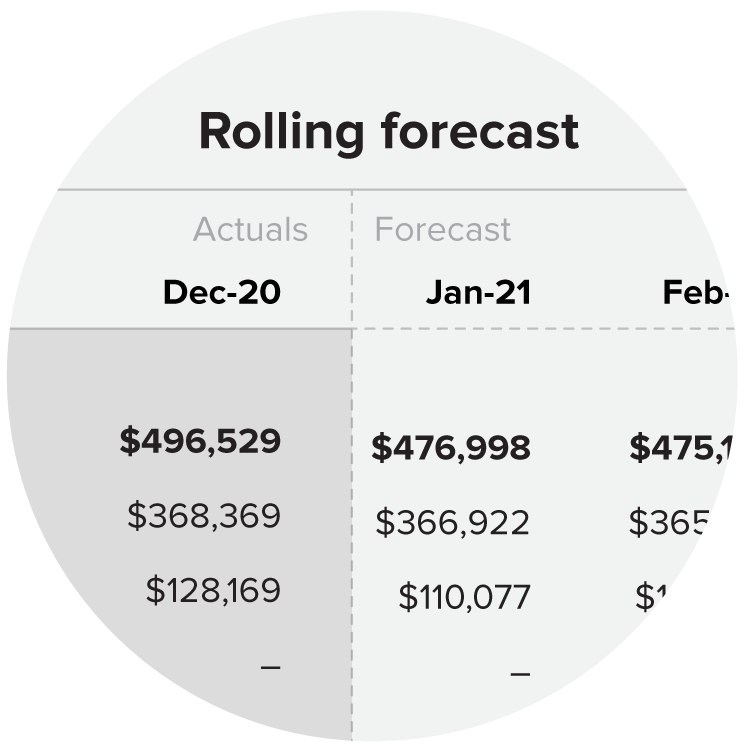
Confusing reporting sophistication for modeling capability. A platform can produce beautiful dashboards and still not be able to build a driver-based rolling forecast. These are different capabilities. Don't let visual quality substitute for analytical depth.
Underweighting onboarding architecture. The platform that's easiest to implement for a single client may be the hardest to systematize across your book of business. The firms that scale without proportional headcount increases are the ones that can templatize their model architecture and deploy it quickly.
What Purpose-Built Means for Accounting Firms
There are general FP&A platforms built for corporate finance teams at individual companies, and there are platforms purpose-built for the multi-entity, multi-client workflow of accounting and advisory firms.
The difference shows up in places that aren't obvious in a feature comparison: how client entities are structured, whether advisor-level controls exist separately from client-facing views, whether model templates can be standardized at the engagement level rather than rebuilt for each client. Jirav is built specifically for accounting and fractional CFO advisory practices, which shapes decisions throughout the product architecture, from how client entities are organized to how Auto Forecast handles projection updates across a portfolio of relationships.
The advisory firm customer page shows how practices have structured their delivery around the platform, which is worth reviewing before any product demo.
Making the FP&A Software Decision
No FP&A platform is the right fit for every firm. The right evaluation asks what your advisory practice delivers, at what scale, and whether the platform's core architecture is aligned with that workflow.
The firms that get the most value from dedicated FP&A software are typically those that have already systematized their delivery model, know which modeling workflows are worth standardizing, and are trying to break through a capacity constraint without proportional hiring.
If you're at that point, the evaluation framework above will serve you better than any feature comparison matrix.


.jpg)