

If you run FP&A advisory work, the odds are overwhelming that your clients keep their books in QuickBooks Online. QBO is the default general ledger for small business: Intuit reports more than 7 million online subscribers, and for most small-business finance teams it is the system of record. When a new client comes through the door, their actuals are almost always already sitting in QBO.
That is a good starting point, because QuickBooks is excellent at the job it was built for: recording what happened. It captures transactions, reconciles accounts, and produces clean financial statements. The friction starts the moment a client stops asking what happened and starts asking what happens next.
Where QBO’s native planning runs short
QBO is not without forward-looking features. You can build a profit and loss or balance sheet budget for a fiscal year and compare actuals against it. You can also generate a profit and loss forecast for the next two fiscal years and convert it into a budget, though that forecast is accrual only. For a single entity running a straightforward annual budget, that is often enough.
Advisory work is rarely that simple. The questions clients actually pay for tend to look like this: What happens to cash if we add two hires in Q3? What is our runway across best, base, and worst case revenue? If we change pricing, what does that do to the balance sheet and the cash flow statement, not just the P&L?
QBO’s native budgeting was not designed to answer those, and a few specific limits surface quickly:
- It is account-based, not driver-based. You budget line by line against the chart of accounts. There is no native concept of an operational driver, such as headcount, units, or price, flowing through to revenue and expense.
- The three statements do not move together. You can budget the P&L and the balance sheet, but they are separate objects, and the cash flow statement does not fall out of a connected model.
- Scenarios are not built in. Modeling three versions of next year means three separate budgets, each maintained by hand.
- It lives inside one company file. For a firm managing dozens of QBO clients, there is no firm-level view and no standard model that travels from one engagement to the next.
The spreadsheet patch, and its hidden cost
So firms do what firms have always done: they export the QBO data into Excel and rebuild the forecast there. Excel is flexible, and for a while it works. But it does not scale, and it is fragile in ways that are easy to underestimate. A 2024 literature review published in Frontiers of Computer Science found that 94% of business spreadsheets used in decision-making contain errors. When that spreadsheet is the model a client uses to decide whether to hire, raise, or borrow, the stakes are real.
The operational cost is just as real. Every month, someone re-keys or re-imports the latest actuals, repoints formulas, and hopes the version on screen is the current one. Multiply that across a client book and the math stops working. The firms that scale advisory profitably are the ones that stop rebuilding and start connecting.
Where Jirav fits
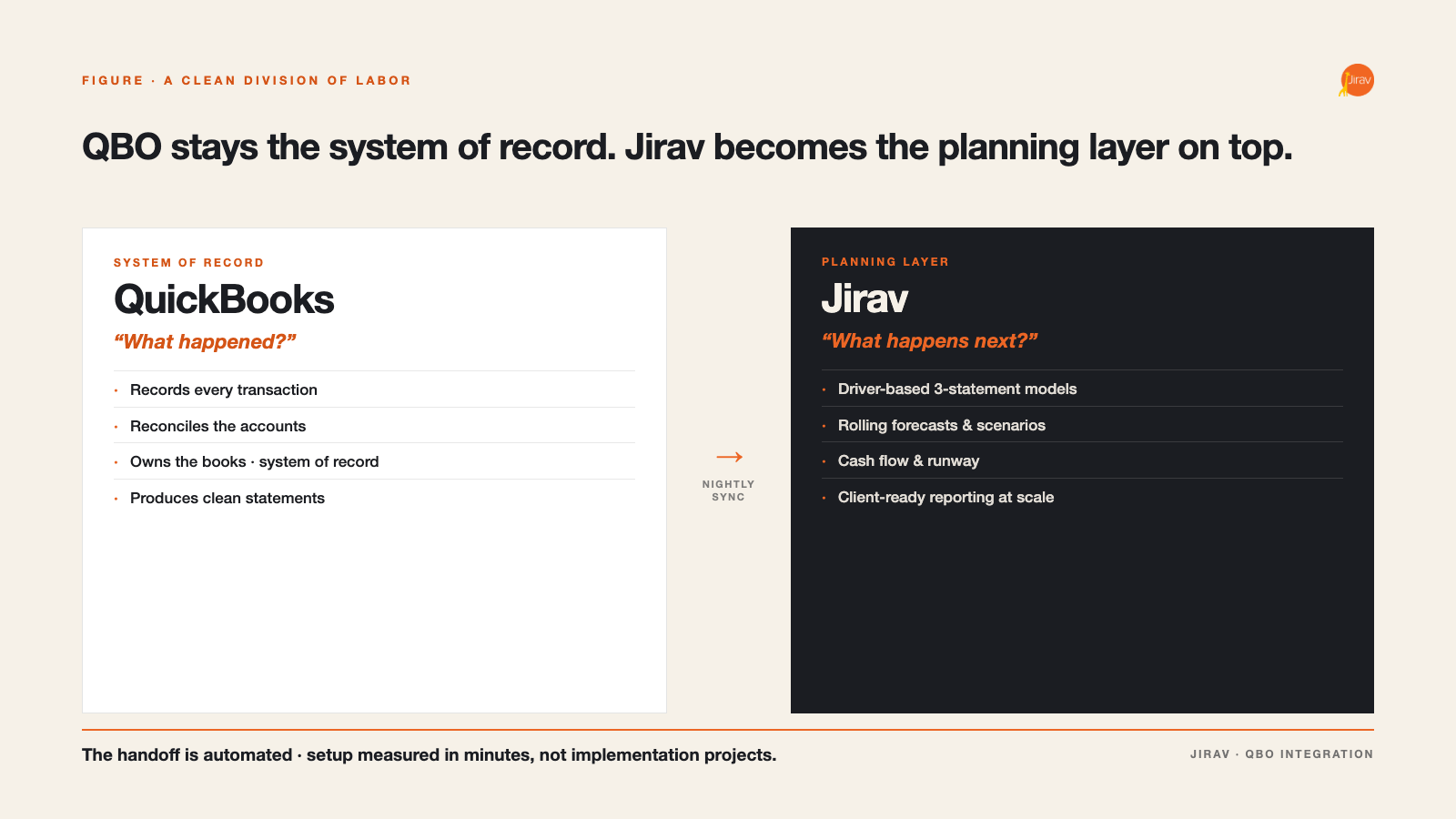
This is the gap Jirav is built to close. Jirav is an FP&A platform purpose-built for accounting and CFO advisory firms, and it is designed to sit on top of QuickBooks rather than replace it. QBO stays the system of record. Jirav becomes the planning and analysis layer on top of it.
The connection itself is straightforward. Jirav’s native QuickBooks integration imports your client’s chart of accounts and trial balance, and after the initial setup it syncs the most recent actuals automatically each night. QuickBooks classes and locations can map to departments in Jirav, and the integration supports both cash and accrual reporting. If part of your book runs on QuickBooks Desktop or Xero instead, those connect too, so a mixed client base lives in one place.
Connecting the data is the easy part. What you do with it afterward is the point.
What the connection unlocks
Once a client’s QBO actuals are flowing into Jirav, the work shifts from rebuilding to advising:
- Driver-based, three-statement modeling. Build forecasts where the P&L, balance sheet, and cash flow statement move together, driven by the operational assumptions that actually move the business. This is the modeling layer QBO budgets were never meant to be.
- Auto Forecast. Start a forecast from the client’s own historicals and seasonal patterns rather than a blank sheet, then refine from there.
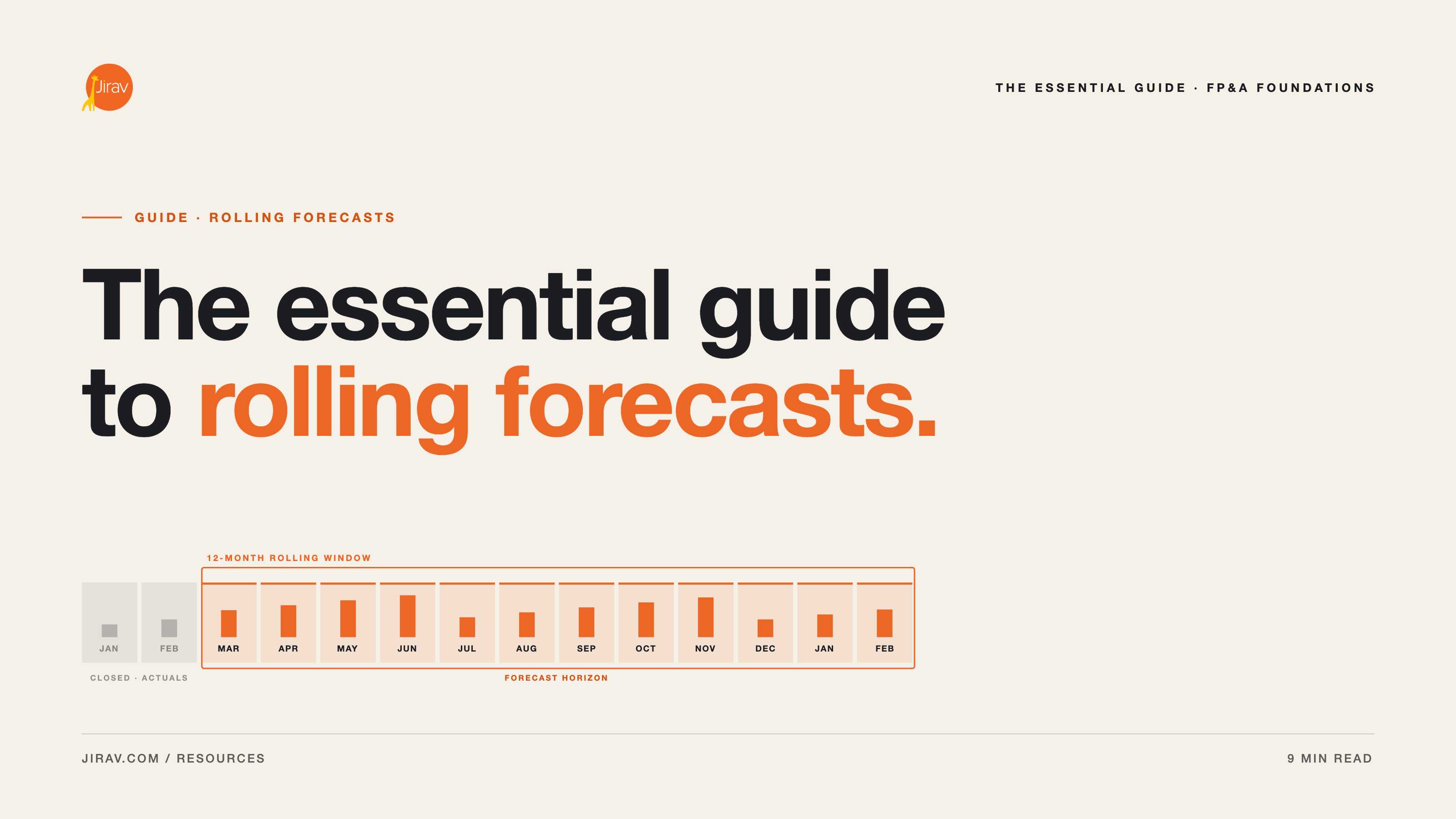
- Rolling forecasts that stay current. Because the QBO sync runs nightly, last month’s close is in the model without anyone re-keying it. Plans can roll forward on their own, which is what makes a monthly client cadence sustainable.
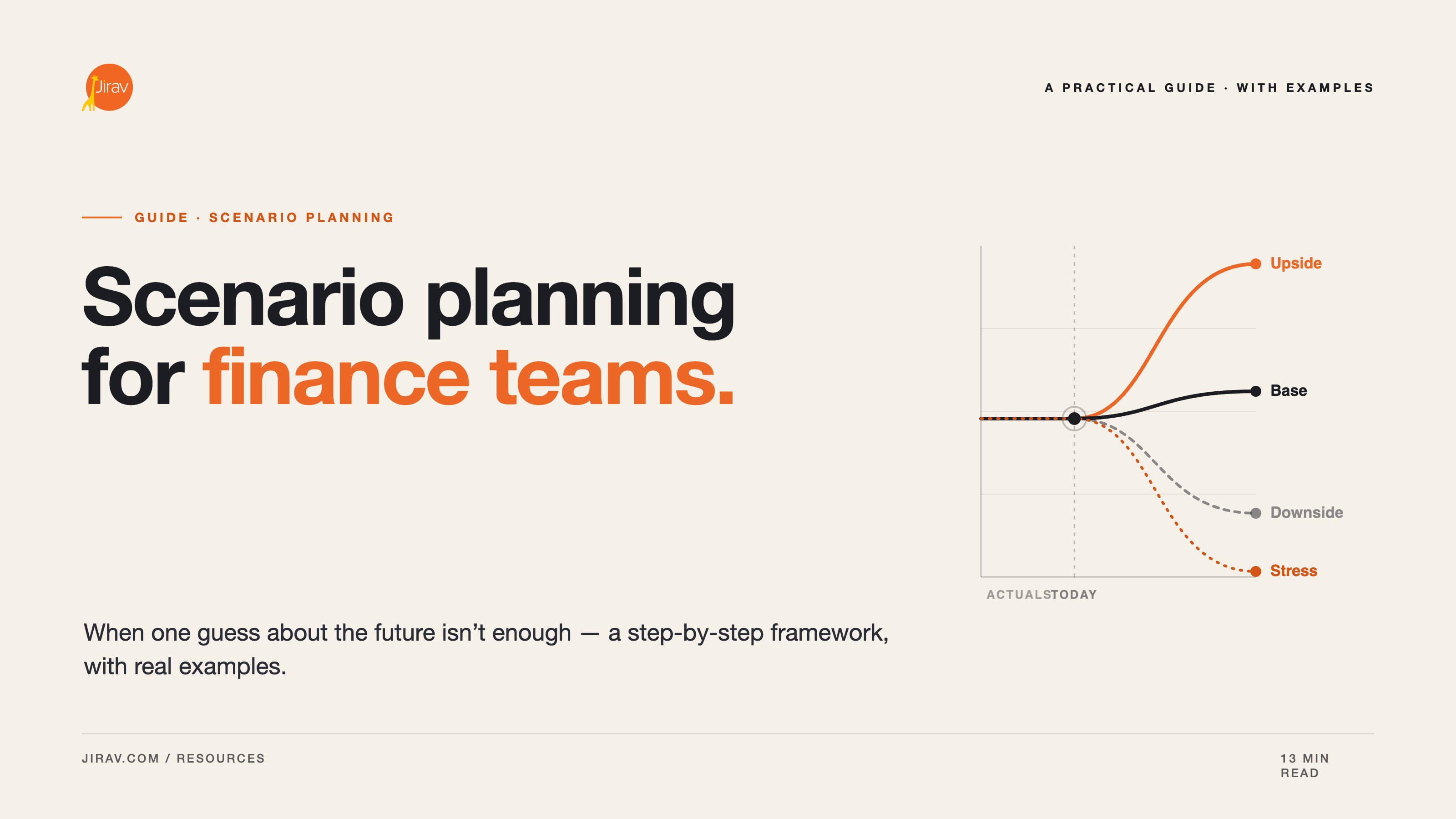
- Multiple scenarios in minutes. Model the new hire, the price change, and the slow quarter, and see the impact across all three statements at once, instead of maintaining parallel spreadsheets.
- Cash flow forecasting. Define working capital assumptions, forecast the cash position, and show a client their runway and zero-cash date with confidence.
This is where the distinction between modeling and reporting earns its keep. QBO, and most tools bolted onto it, are reporting tools: they tell you, often beautifully, what already happened. Jirav is a modeling engine first. The reporting is the output, not the product.
Reporting that scales across the book
That said, the reporting matters, especially for a firm. QuickBooks produces statements for one entity at a time. Jirav lets you build standardized, client-ready reports and dashboards once and run them across every client. Pre-configured income statements, balance sheets, and cash flow statements are available within minutes of connecting the GL, and the same package travels from one engagement to the next. That standardization is what turns FP&A advisory from a bespoke, partner-dependent service into something a firm can deliver repeatably and scale.
How it fits your stack
None of this asks your clients to leave QuickBooks. The division of labor is clean: QBO records the transactions and owns the books, while Jirav models the future and produces the client-facing analysis. The handoff between them is automated, and setup is measured in minutes, not implementation projects.
If you are still weighing whether a dedicated FP&A platform is worth it over native QBO tooling and spreadsheets, that is a reasonable question to work through deliberately. Our buyer’s guide for accounting firms walks through how to evaluate the trade-offs.
The bottom line
QuickBooks answers one question extremely well: what happened. Your clients are paying you for the other one: what happens next. Connecting QBO to a platform built for modeling is how you answer it without rebuilding a spreadsheet every month, and how you do it across a growing book of clients without adding headcount to match.
See how Jirav’s QuickBooks integration works, or book a demo to walk through it with your own client data.